
📖 Overview
KG to LBS Converter allows users to convert weight (Mass) from Metric to Imperial and vice versa (e.g. kilograms to pounds, kilograms to ounces, grams to pounds).
It is engineered specifically to increase visitor dwell time and user interaction on fitness, nutrition, shipping, medical, recipe, and engineering blogs. By delivering instantaneous unit conversion right in the browser with zero AJAX delay, visitors get the answers they need without leaving your page.
⭐ Key Features
- Bi-directional Conversion: Real-time conversion both ways (kg → lbs and lbs → kg) with automatic formula notes.
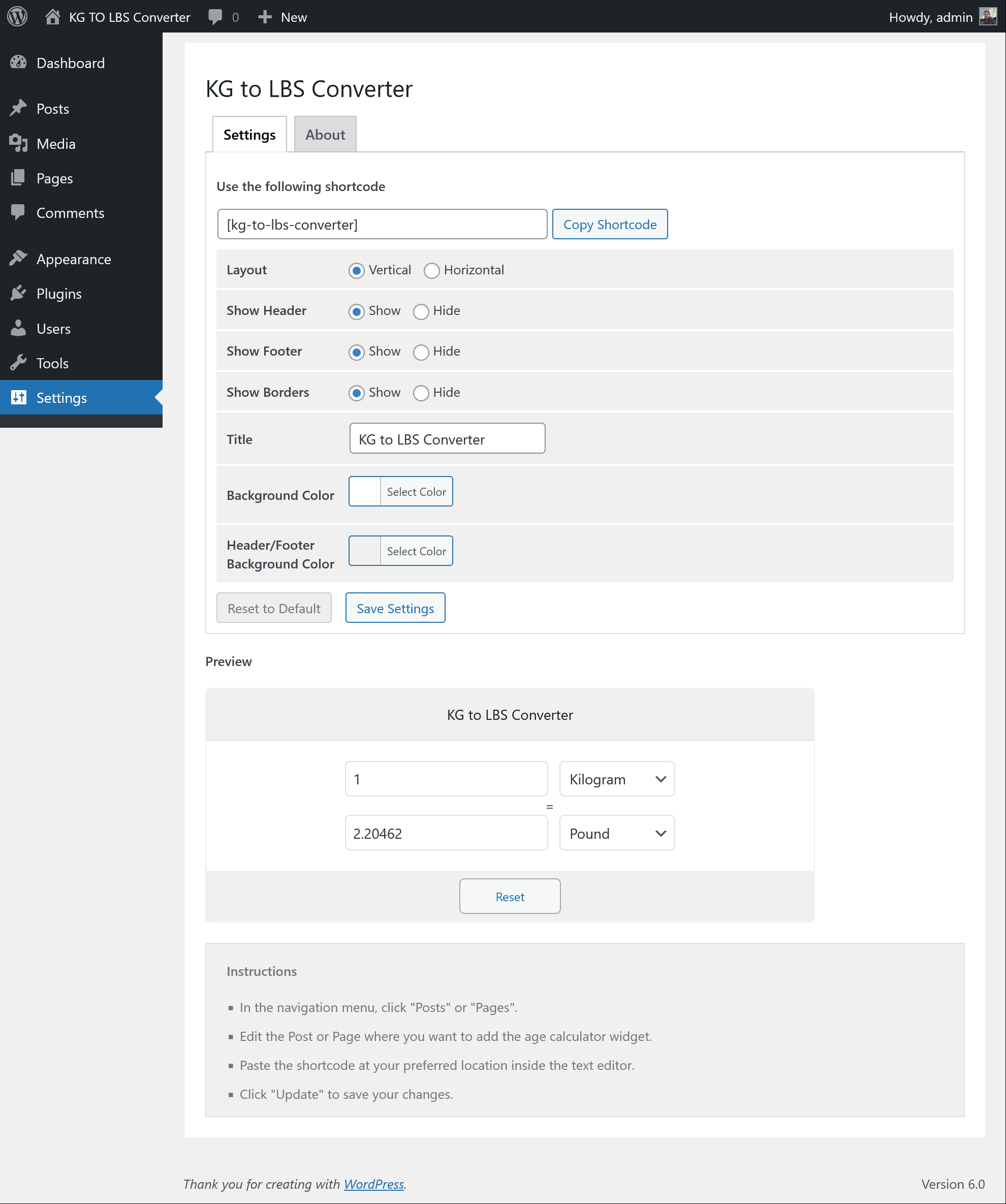
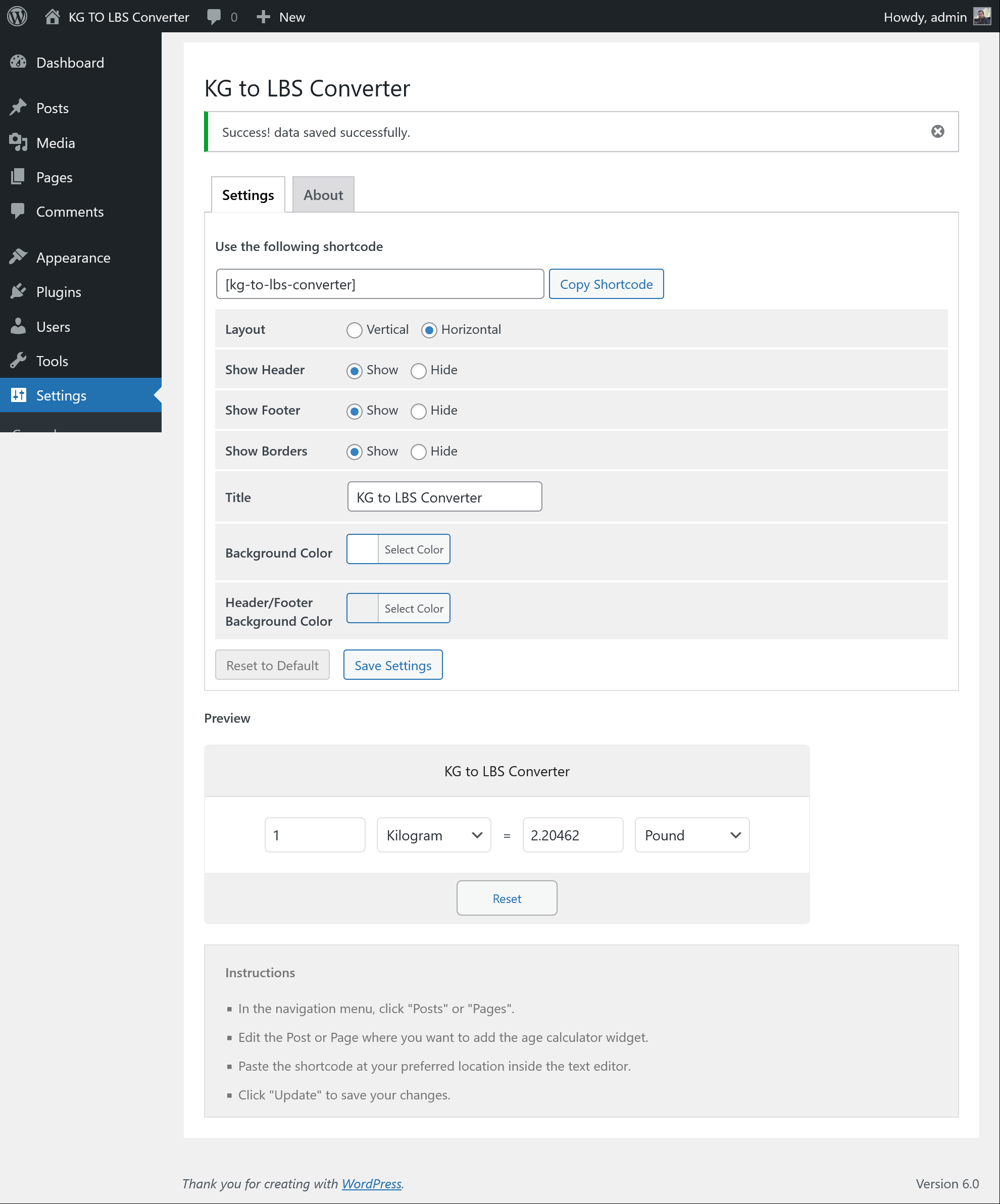
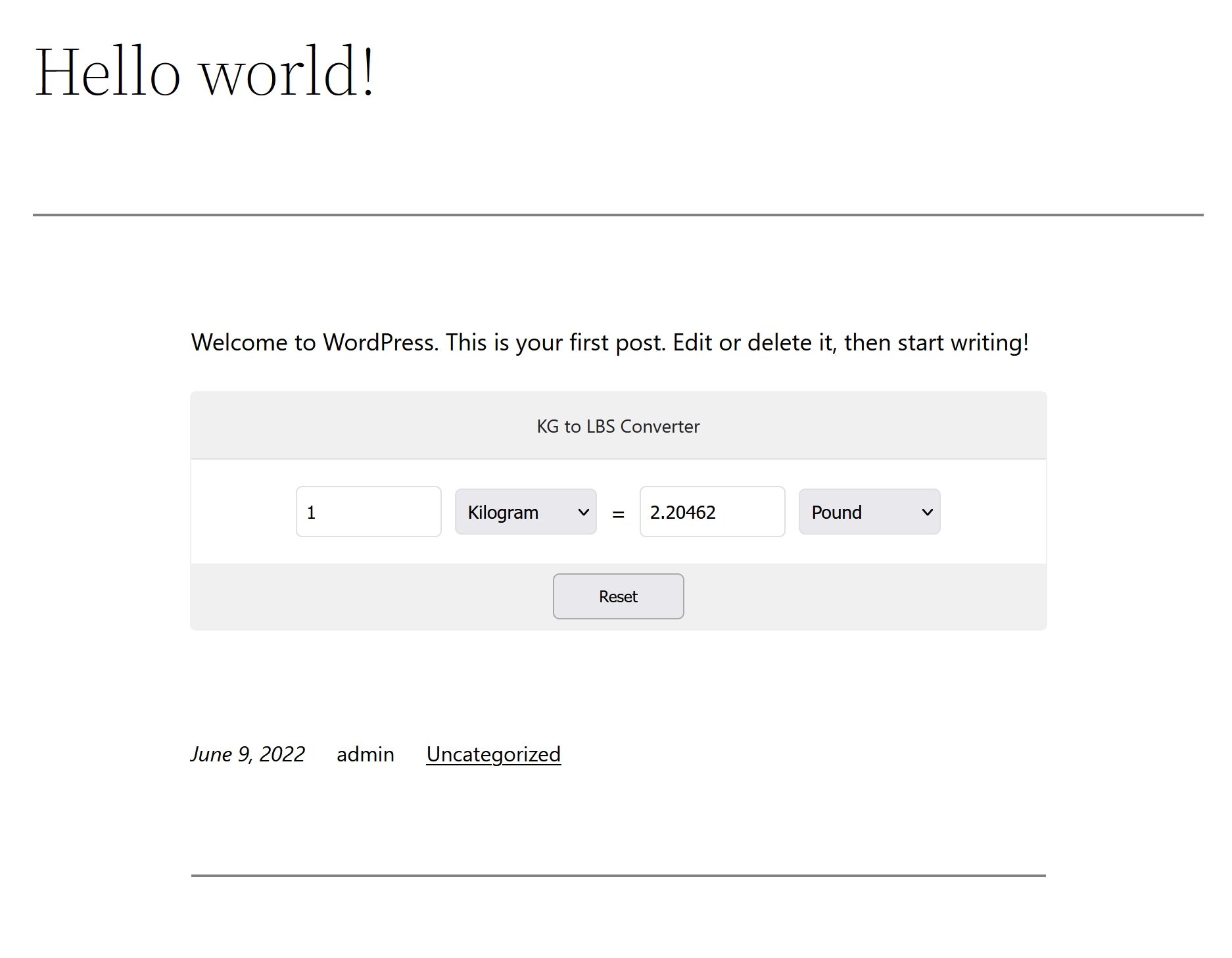
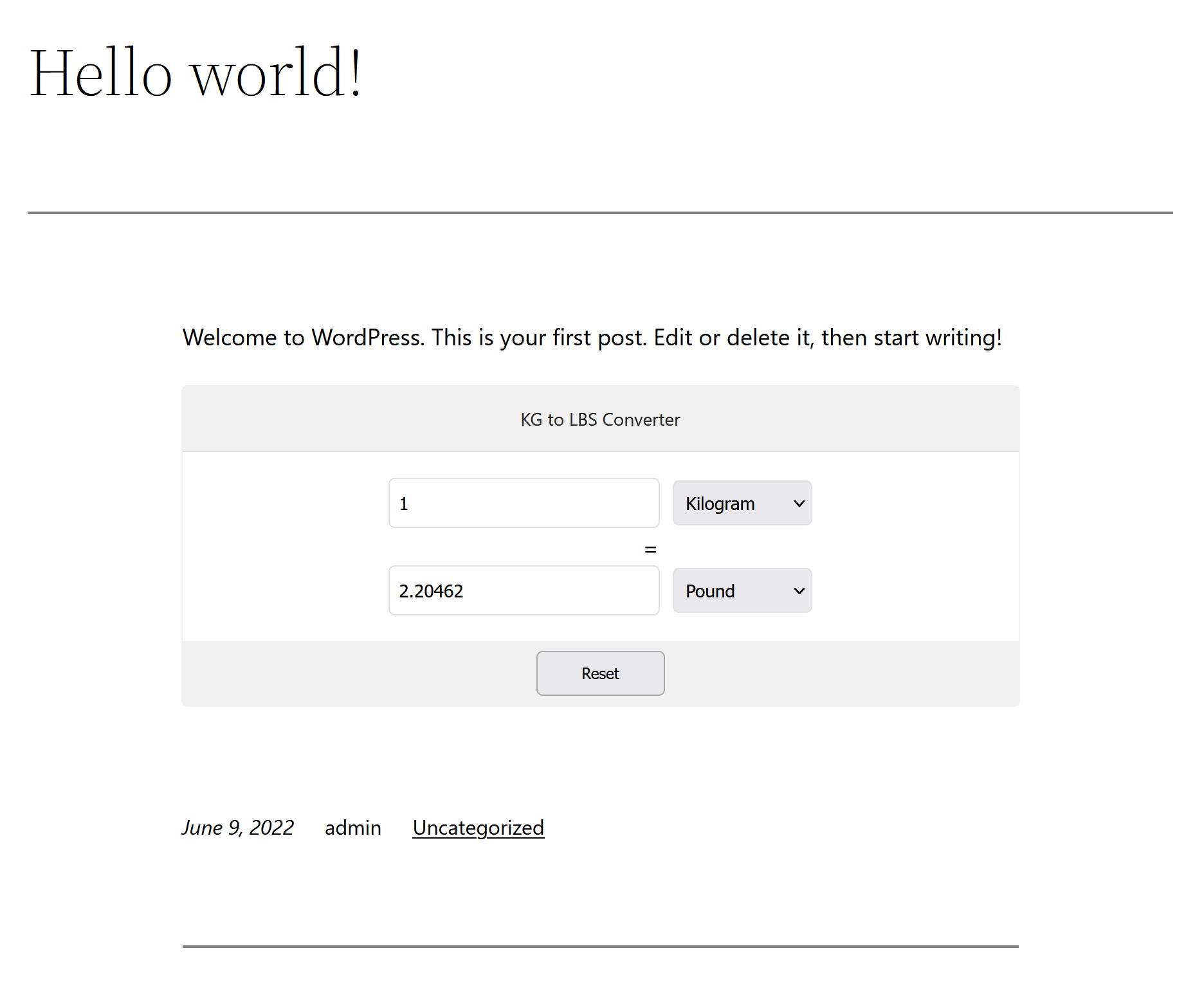
- Multiple Layout Options: Choose between Horizontal Layout (wide, for banner positions) or Vertical Layout (compact, for sidebars and widgets).
- Custom Appearance & Theming: Change background colors, border styles, font sizes, and text colors directly via the WordPress admin panel.
- Show / Hide Elements: Toggle formula calculation notes, reset button, and swap buttons to fit your design aesthetic.
- Zero AJAX Latency: All calculations run client-side via lightweight JavaScript and jQuery. No round-trips to the server!
- High Engagement Booster: Perfect for lifestyle, gym, bodybuilding, shipping, recipe, and health portals to keep users engaged.
- Responsive & Mobile-Optimized: Seamless scaling across modern mobile devices, tablets, and desktops.
📸 Plugin Screenshots
Click on any image to view high-resolution preview:
🚀 Installation & Setup
-
1
Log in to your WordPress Admin dashboard and navigate to Plugins → Add New.
-
2
Search for "KG to LBS Converter".
-
3
Click Install Now and activate the plugin.
-
4
Add the shortcode
[kg-to-lbs-converter]to any post, page, or widget block.
-
1
Download the latest release zip archive from GitHub:
kg-to-lbs-converter.zip -
2
In your WordPress Admin, go to Plugins → Add New → Upload Plugin.
-
3
Choose
kg-to-lbs-converter.zipand click Install Now. -
4
Activate the plugin through the 'Plugins' screen in WordPress.
Deploy directly via Git inside your WordPress plugins directory:
cd wp-content/plugins/
git clone https://github.com/vikas4travel/kg-to-lbs-converter.git
⚙️ Shortcode & Usage Reference
Place this shortcode anywhere inside posts, pages, or sidebar text blocks:
[kg-to-lbs-converter]
Admin Settings Configuration
Under Settings → KG to LBS Converter, you can customize:
- Layout Style: Choose Horizontal or Vertical template.
- Title & Header: Edit widget title text, font size, and color.
- Background Colors: Widget box background color and border color.
- Labels: Customize Kilograms and Pounds text labels.
- Elements Display: Toggle the Formula Note and Reset Button visibility.
📝 Changelog
1.0.3
- Updated compatibility testing up to WordPress 6.8.
- Refined input sanitation and security checks.
1.0.2
- Added support for custom decimal precision formatting.
- CSS layout improvements for mobile screen viewports.
1.0.0
- Initial public release of KG to LBS Converter.